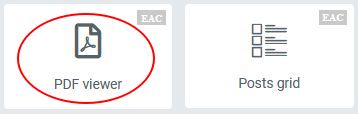
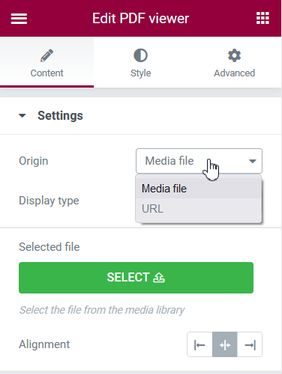
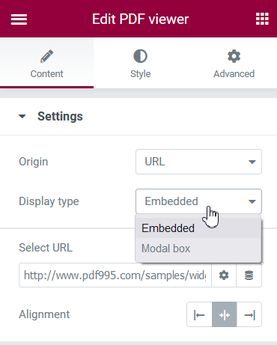
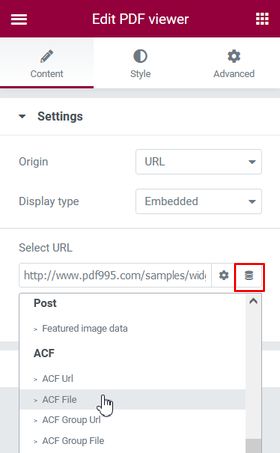
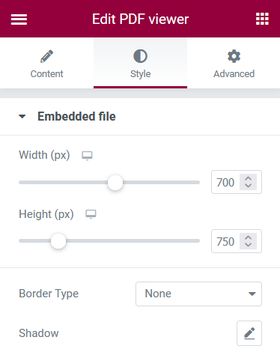
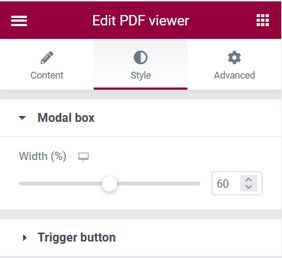
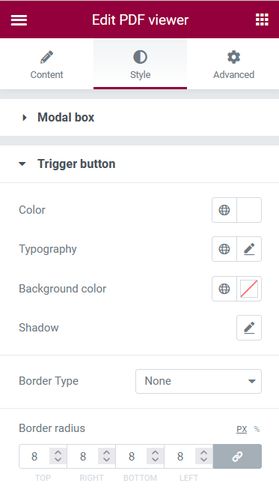
Add a PDF viewer to Elementor Mon 14 September 2026Sun 12 December 2021 by Achille Talon Table of Contents Activate the component PDF viewer The plugin Elementor is installed and active.The plugin EAC components is installed and active.From the settings panel (EAC advanced) you have to drag & drop the ‘PDF viewer‘ icon on the panel preview. Select the origin of the pdf and how to display it The PDF file is loaded from the media library or from an URL. Access to the files of the media library is done by a custom controlThe PDF file is embedded in the page or opened in a Modal boxOrigin URL supports Dynamic ACF File or ACF Group File tags Select the origin of the pdf Select how the PDF is displayed You can choose Dynamic ACF File Create a link to the PDF file in Google DriveUse the ‘Get Shared Link’ option in Google Drive to get the URLOriginal Url: https://drive.google.com/file/d/XXXXX/view?usp=sharingTarget Url: https://drive.google.com/uc?export=view&id=XXXXXCopy the ID from the original to the target and you obtain the Url. Apply styles to affected elements In the ‘Style’ tab you can apply the styles relative to the options you have selected before.So if the PDF file is embedded into the page you can modify the dimensions and the style of the file containerFor the Modal box size the width of the container, the height is calculated automaticallyAnd finally if the PDF is opened in a modal box, you can modify the style of the button or the text that triggers its opening Styling the embedded file Styling the Modal box Styling the trigger button PDF Viewer Exemple ACF URL file ACF file Innovation Zurich