Add Website Thumbnail like a screenshot

Introducing the component Website Thumbnail

The ‘Elementor‘ plugin is installed and active.

The ‘EAC components‘ plugin is installed and active.
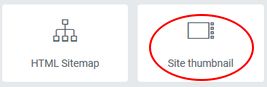
From the panel settings you have to drag & drop the ‘Site thumbnail‘ icon on the panel preview.

Thumbnail icone
Post Grid component
css tip
Lea Verou

Create a page thumbnail of a remote or local site

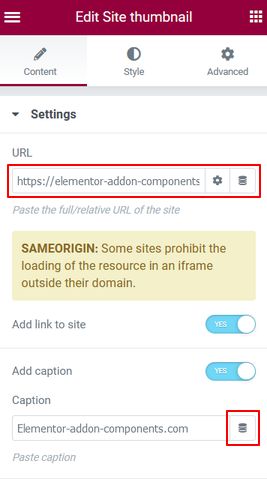
Nothing special in this interface. You can add a link to the original page and illustrate the page with a caption.


We encourage you to use Copy / Paste to enter the URL or the caption, because for each character entered the component reloads.

Of course you can use dynamic tags, especially ACF if the plugin is installed.


Then you can customize the final rendering with the controls under the ‘Style’ tab.
Site thumbnail settings

credit

James Futhey for his awesome and excellent tutorial.

Leave a Comment