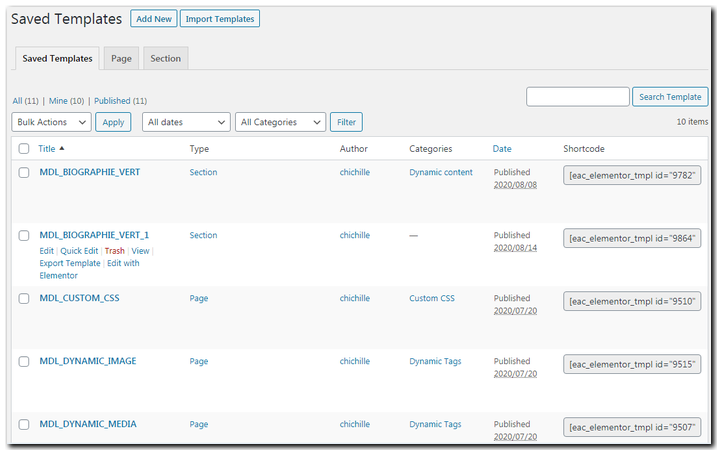
You can get the Shortcode of Saved Templates without Elementor Pro because Elementor-Addon-Components gives you the opportunity to retrieve shortcodes for all the pre-design layouts you have created or imported.
So, you can easily get them by navigating to Elementor -> Templates -> Saved Templates -> Shortcode Column
Select and copy the desired template shortcode
Paste the shortcode into any widget, custom HTML or Textarea (Read more about Dynamic Template)
If you don’t see the shortcode column, check the “Screen Options” if the shortcode column is enabled.