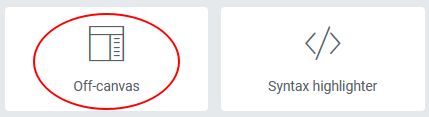
From the settings panel you have to drag & drop the ‘Off-canvas‘ icon on the panel preview.
Select and display the content
The Off-canvas can be closed with the ‘escape‘ key, a click on the overlay or on the cross visible in the upper space of the sidebar.
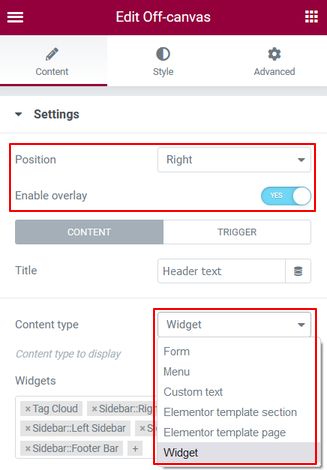
You can choose only one type of content for each sidebar. Display them in one of the four positions and activate / deactivate an overlay
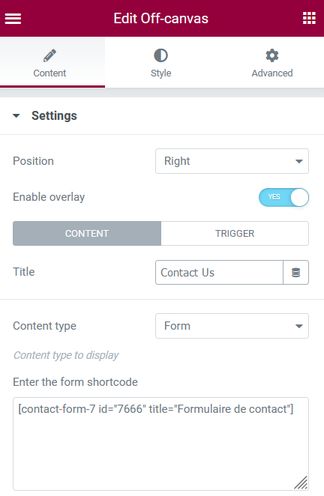
The ‘Form‘ content type naturally accepts shortcodes of all kinds
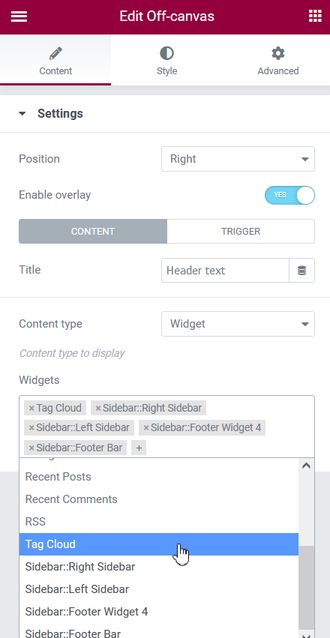
With the ‘Widget‘ content type, you can choose several widgets from the WordPress standard and the widgets contained in the content sidebars you created
Select trigger and add attributes
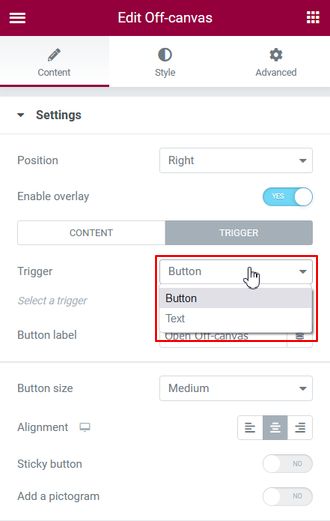
You can trigger the opening of the sidebar with a button or free text
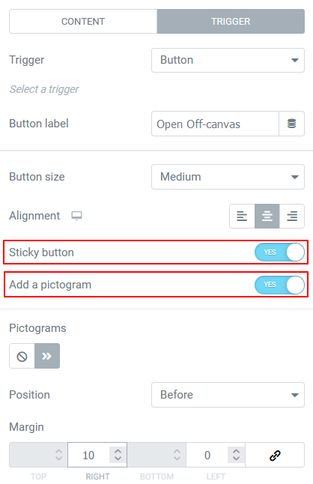
The button can be sticky, it is fixed on the right / left side of the visual space. Its position can be changed in the style tab. Add a pistogram before / after the button caption
Styling content and trigger
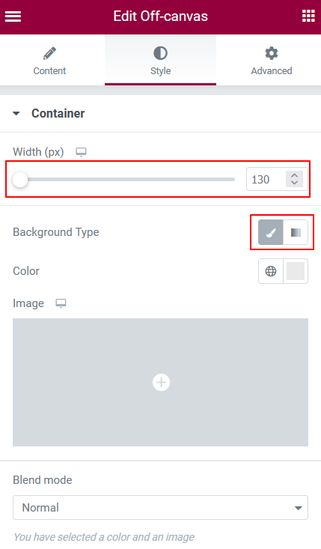
You can change the width of the bar, its color and add an image on the background.
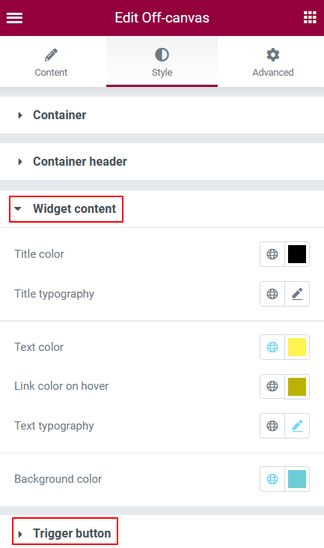
‘Text’, ‘Menu’ and ‘Widget’ content have their own style sections as well as for triggers