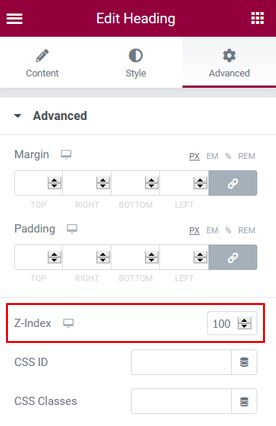
The link will only be loaded into the DOM in preview or front-end mode.
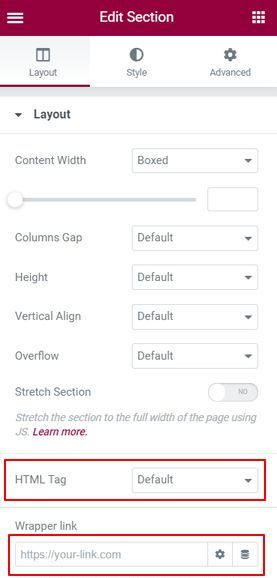
Select the properties of the container / section / column you want to add a link.
You can add a link to any URL (external or on your site) simply by typing it into the field or by selecting the Dynamic Tags wrench icon.
There are also additional settings if you click the ‘gear’  icon. This allows you to no-follow the link, open it in a new window.
The “HTML tag” drop-down list can be set for any value.